Six steps from download to done
MiGynae adapts to where you are — pregnant or tracking your period. Here's how each core feature actually works.
Set up your profile in under 2 minutes
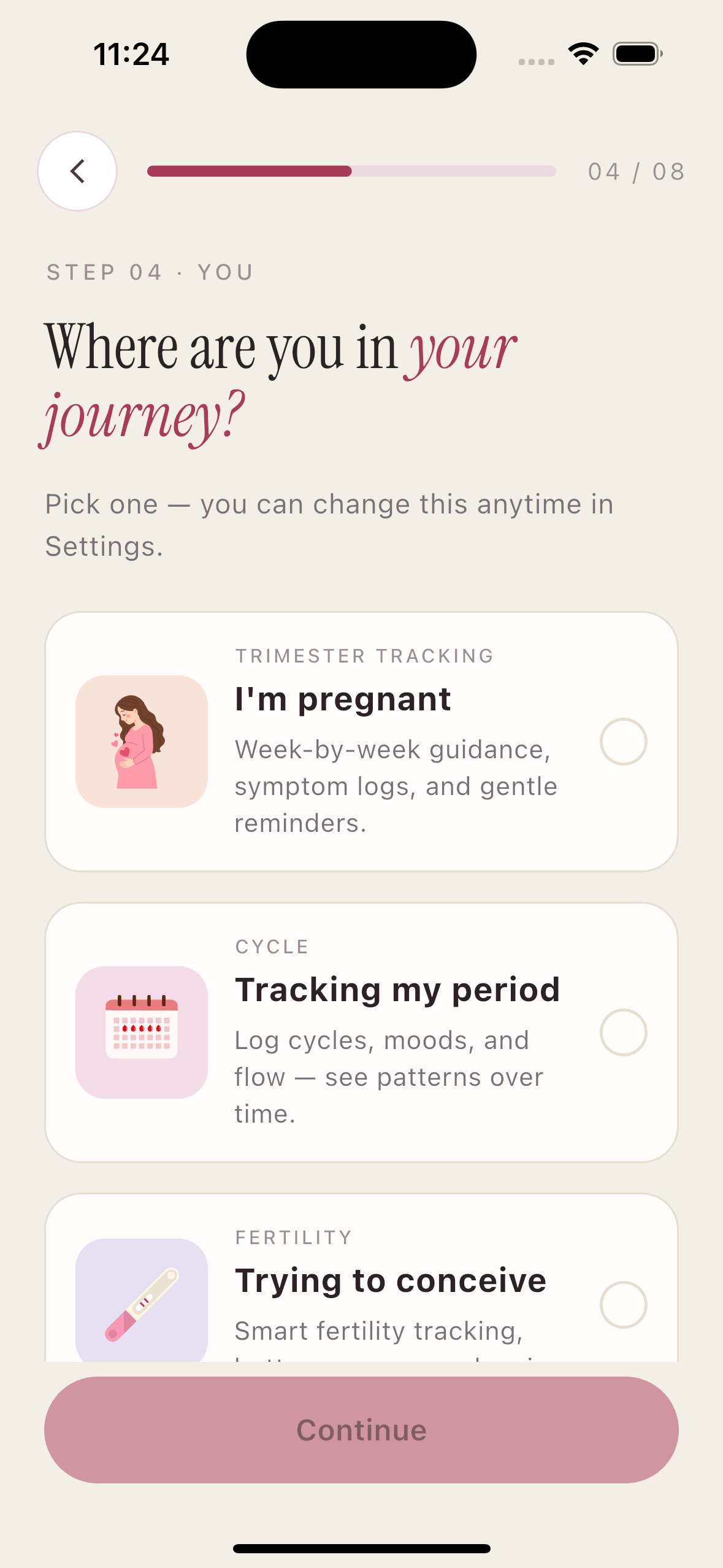
Download the app and tell MiGynae where you are in your journey. Are you pregnant, or tracking your period? One tap, and the entire app rearranges itself around you.
- ✓ Sign in with Google, Apple, or your phone number
- ✓ Choose your phase: Pregnant or Period Tracking
- ✓ Enter your last menstrual period (LMP) or due date
- ✓ App instantly calculates your pregnancy week or cycle day
- ✓ No subscription required — core features are free
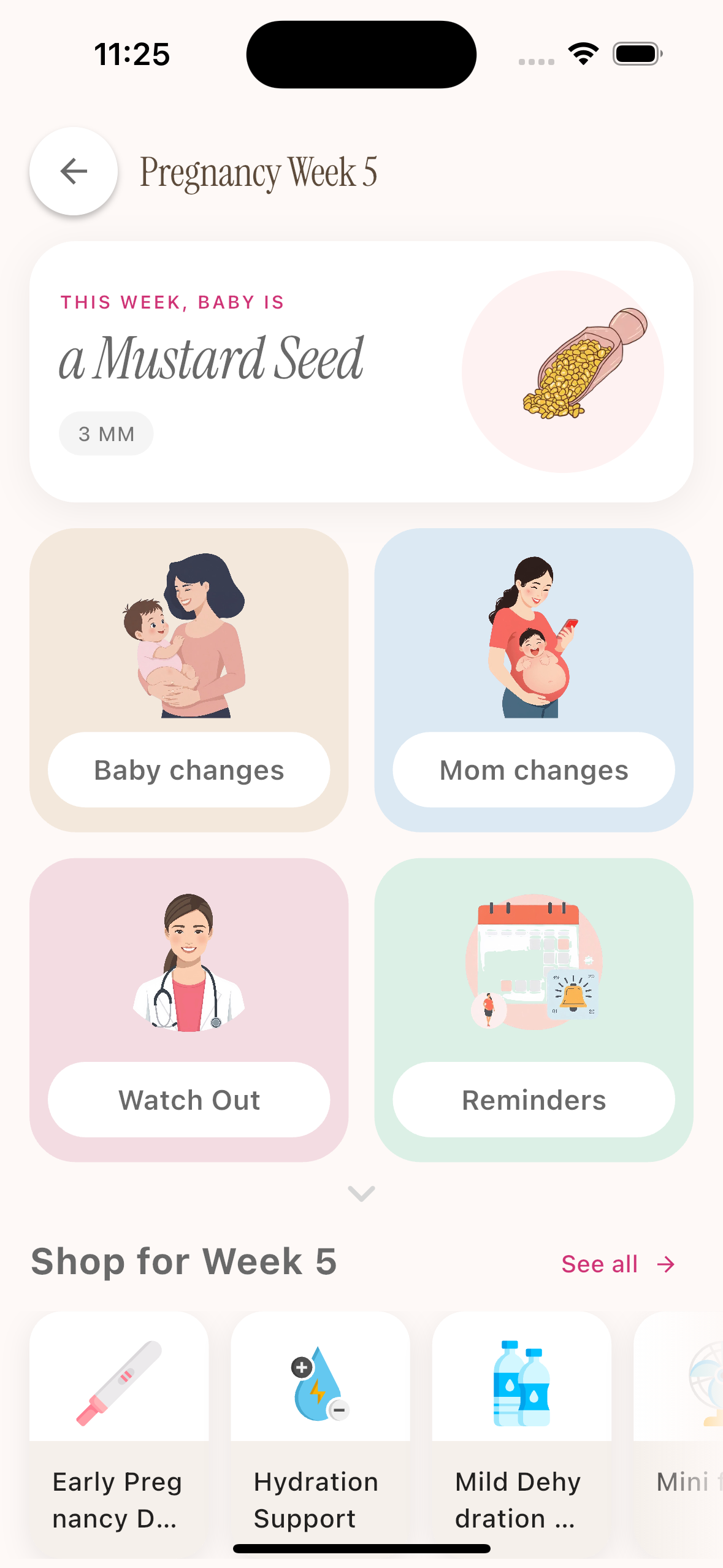
Follow your baby's growth, week by week with pictures
Every week unlocks a new update — what your baby looks like, which organs are forming, how big they are (using fruits and vegetables you know), and what you might be feeling.
- ✓ Illustrated baby size comparison updated each week
- ✓ Fetal development milestones in plain language
- ✓ What symptoms to expect this week — and which to report
- ✓ Scan and test reminders timed to your due date
- ✓ Trimester summaries for first, second, and third trimesters
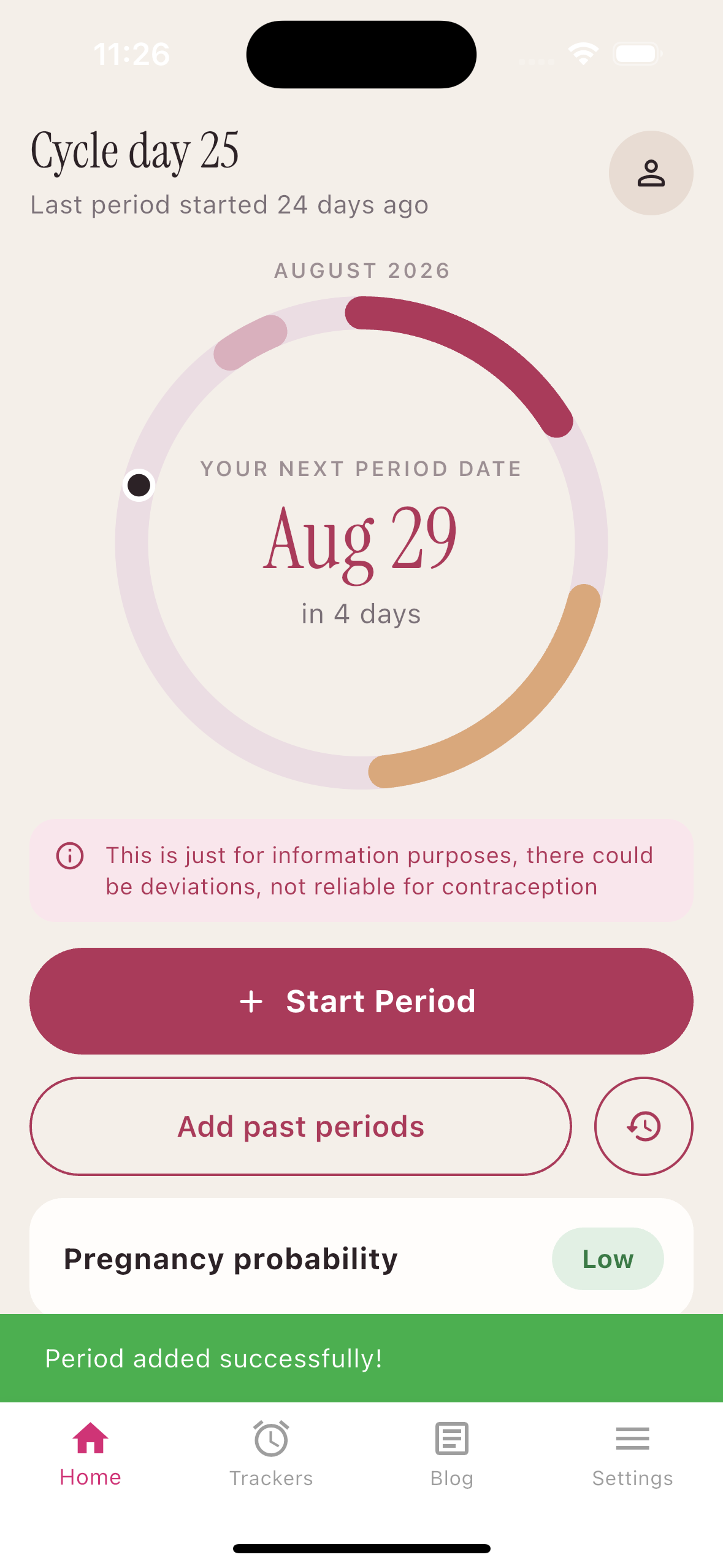
Your menstrual cycle — understood, not just logged
Log your period start and end, flow intensity, symptoms, and mood. MiGynae builds a model of your cycle over time and predicts your next period, fertile window, and ovulation day with improving accuracy.
- ✓ Calendar view colour-coded by phase: period, fertile, ovulation, luteal
- ✓ Log flow, cramps, discharge, and mood in seconds
- ✓ Predictions improve the more cycles you track
- ✓ Late period and irregular cycle alerts
- ✓ Works for cycles of any length — not just the standard 28 days
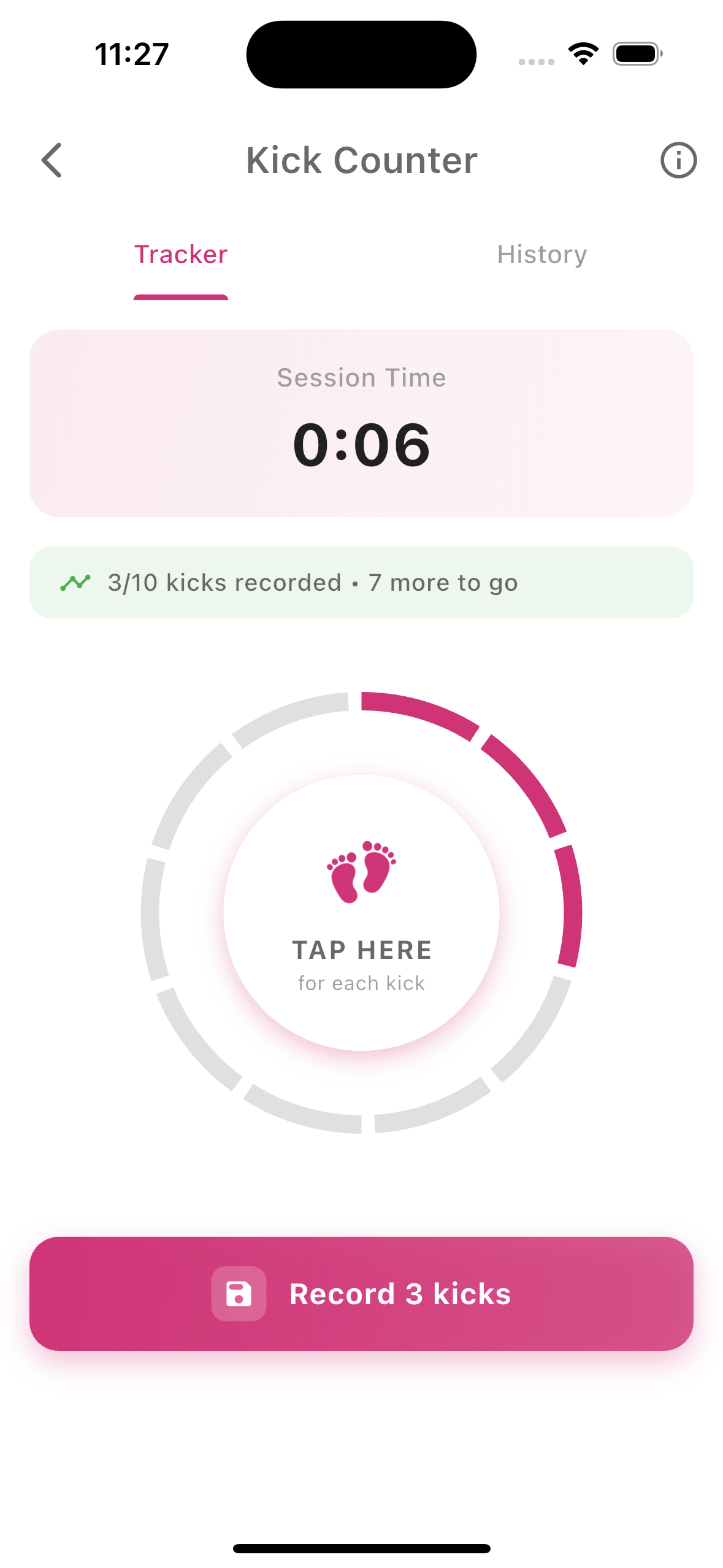
One tap to log a kick. One tap to time a contraction.
In the third trimester, monitoring baby movement is a key safety check. MiGynae makes it effortless — tap the screen every time you feel a kick, and the app counts, timestamps, and charts each session.
When labour begins, switch to the contraction timer. It logs every contraction's duration and the gap between them, and tells you when to call your doctor.
- ✓ Baby kick tracker: tap to count, automatic session timing
- ✓ Baby movement tracker: graphs daily activity over weeks
- ✓ Contraction timer: logs duration and frequency
- ✓ Colour-coded guidance: stay home / call doctor / go now
- ✓ History saved so your doctor can review it
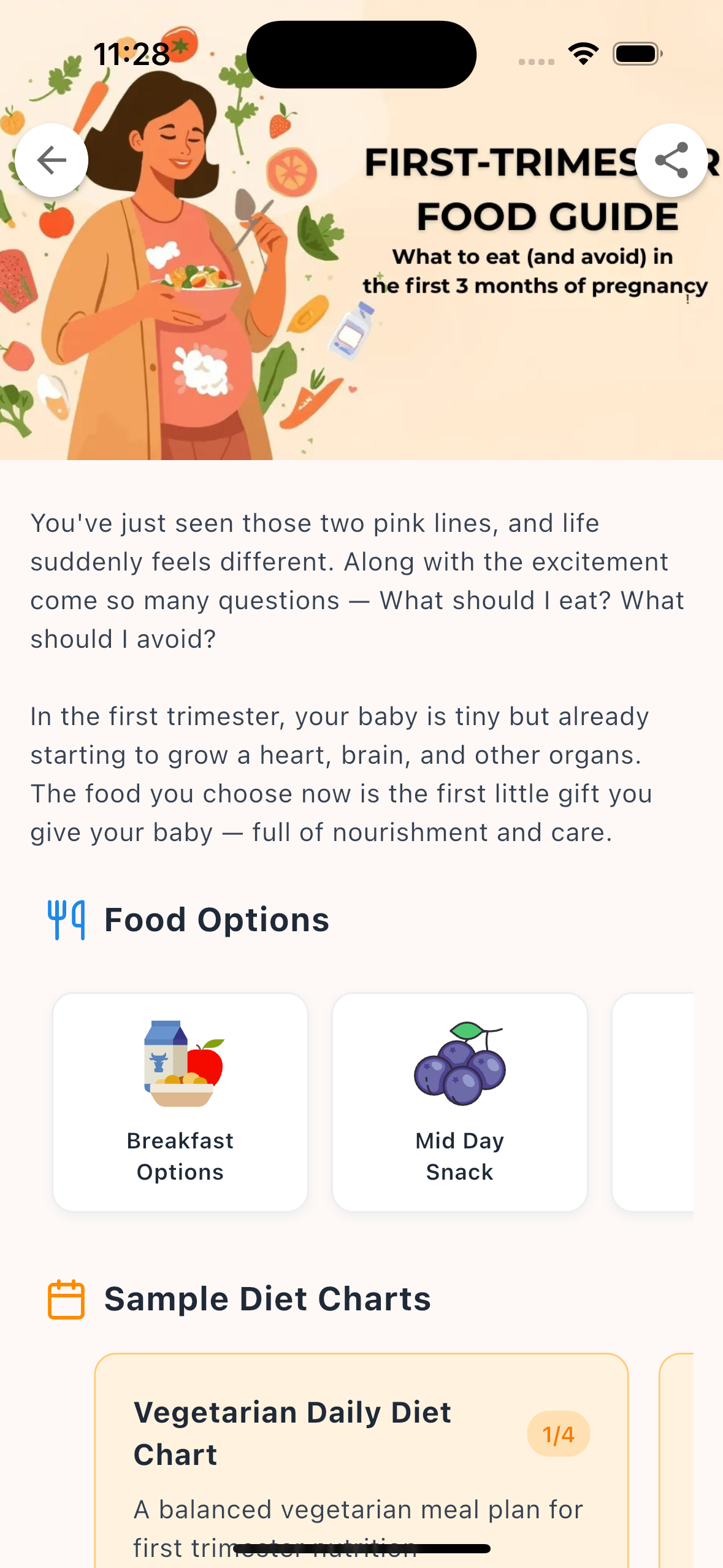
What to eat this week — in your kitchen, in your language
Most pregnancy diet apps recommend foods you can't find at your local kirana. MiGynae's diet plans are built around what Indian families actually cook — dal, roti, sabzi, curd, millets, and seasonal fruits.
Recipes and food lists are trimester-specific, so the nutrients you need most (folate in week 6, calcium in week 20, iron in week 32) are front and centre at exactly the right time.
- ✓ Trimester-specific meal guides reviewed by Indian gynecologists
- ✓ Nausea-friendly options for the first trimester
- ✓ Foods to avoid — with clear reasons, not just a list
- ✓ Nutrient highlights for each food (iron, calcium, folate, DHA)
- ✓ Pregnancy weight gain tracker alongside diet to see the full picture
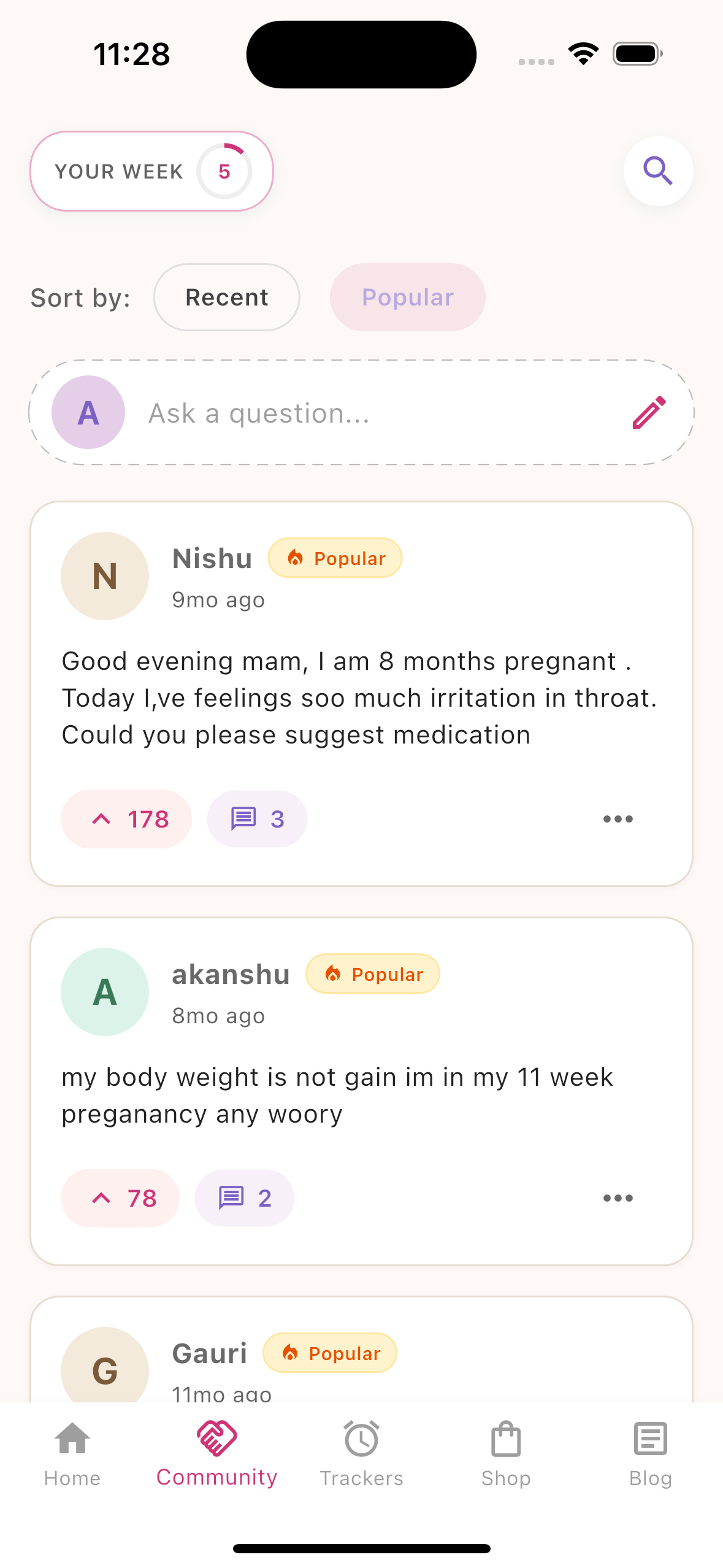
Ask a question, get a doctor's answer
The MiGynae community lets you post questions anonymously. Every question is reviewed and answered by a verified gynecologist — so you always get a reliable, medically sound response.
- ✓ Post anonymously — no one sees your name
- ✓ Search thousands of doctor-answered questions instantly
- ✓ Real gynecologists review and answer every new question
- ✓ Search by keyword — "nausea", "back pain", "spotting"
- ✓ Push notification when your question is answered
Built with your privacy in mind
Your health data is deeply personal. Here is exactly what MiGynae does — and does not — do with it.
Your data stays yours
Cycle dates, pregnancy details, and kick logs are stored securely under your account and never sold to third parties. You can delete your account and all associated data at any time.
Anonymous community
Questions posted in the community are anonymous to other users and doctors — only your question text is visible. Your name, profile, and pregnancy week are never shown.
No advertising profiles
MiGynae does not build advertising profiles from your health data. Analytics help us improve the app, but your menstrual or pregnancy data is never used for ad targeting.
Frequently asked questions
Still unsure about something? These are the questions we hear most often.
Ready to Get Started?
Download MiGynae free — no sign-up required to browse. Create an account when you're ready to track.